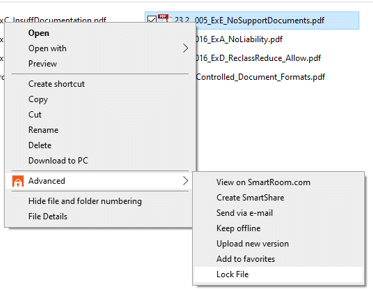
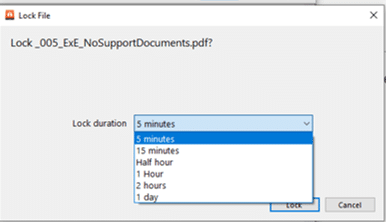
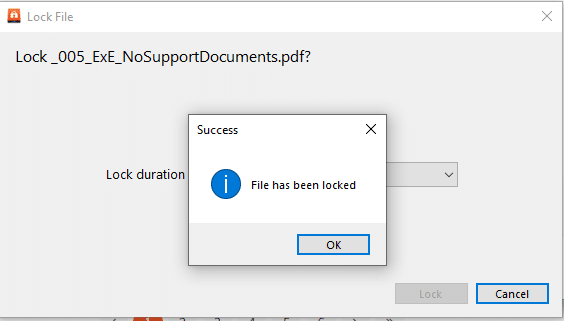
Simply right-click on the file -> Advanced -> Lock File -> Select the amount of time you want the file locked.
While in SmartDrive, this will prevent other SmartRoom Managers and non-SmartRoom Managers with modify rights to the file from editing, replacing, or deleting the file.
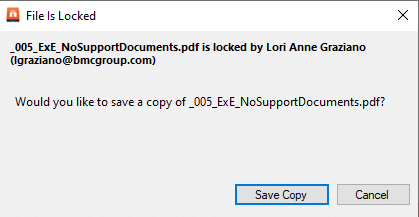
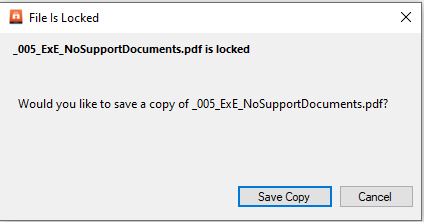
They will receive the following message when trying to open the file:
File is Locked message for SmartRoom Managers:
File is Locked message for non-SmartRoom Managers with document modify rights to the file.
While in SmartRoom, SmartRoom Managers and non-SmartRoom Managers with modify rights to the file will not be able to upload a new version of the file.
Bulk Rename
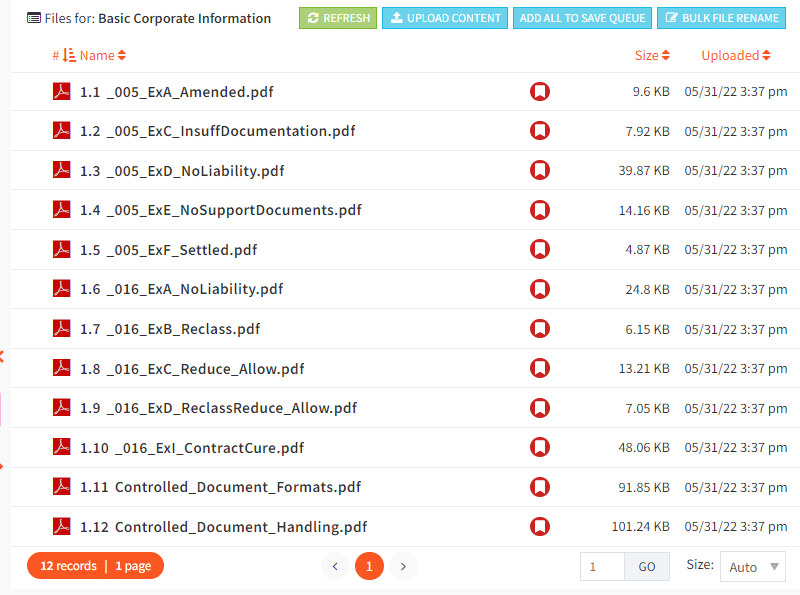
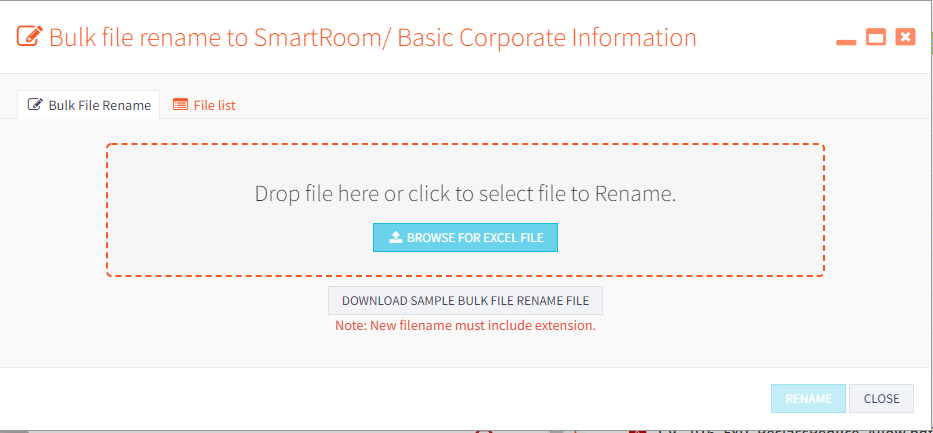
Through “Split-View” you can access SmartRoom’s bulk rename feature: